Private beta: we are looking for design partners
Video Context

Video Context for government

Every council meeting, captioned and searchable.

Video Context captions every meeting, names every speaker, and makes years of recordings searchable. It can run on your own servers, so the video never leaves your network.

Join the beta
Frames
chairmember_2member_3member_4Speakers

chair“Item four: the housing budget.”

Captions
openinghousingtransportquestions
Chapters
housing budgettransportTopics
committee_2026_09_14.mp4 → context.jsonwatching
{
"video_id": "council_2026_09_14", "duration": 7240,
"speakers": [ "chair", "member_2", "member_3", "member_4" ],
"captions": { "language": "en-GB", "lines": 1912 },
"chapters": [ { "t": 2311, "title": "Housing budget" } ],
"topics": [ "housing budget", "transport" ]
}

We help the public sector understand video at scale. Every meeting and hearing gets captions, a transcript with speaker names, and chapters, so staff and the public find what was said in seconds. Search years of recordings by topic or speaker, and keep the data in your own cloud or on your own servers.

Who it is for

You should be here if…

  • 01

    You record meetings every weekand nobody can search what was said.

  • 02

    Every recording must be accessibleand captions take hours to write by hand.

  • 03

    Staff review hours of footageto find a few minutes that matter.

  • 04

    The public asks for recordsand finding the right recording is slow.

  • 05

    Your data must stay in your controlon your own cloud or your own servers.

  • 06

    You want publishing on autopilotwith captions and chapters on every recording.

Why the public sector needs it

Councils, parliaments, and agencies record meetings, hearings, and public events every week. The recordings must be accessible, and the public and staff expect to find what was said. Today, that means long videos with no search, and captions that someone adds by hand.

Video Context makes public video searchable and accessible. It writes accurate captions and transcripts with speaker names, splits each recording into chapters, and lets anyone search across years of recordings. It can run on your own infrastructure, so data stays under your control.

How it works

  1. Connect your recordings, or send new ones as they are published.
  2. Video Context transcribes, names speakers, adds chapters, and detects topics.
  3. Staff and the public search by topic, speaker, or date.
  4. Captions and transcripts publish automatically with each recording.

What changes

  • Every recording is accessible, with captions and a transcript.
  • Anyone can find the moment a topic came up.
  • Staff spend less time reviewing footage.
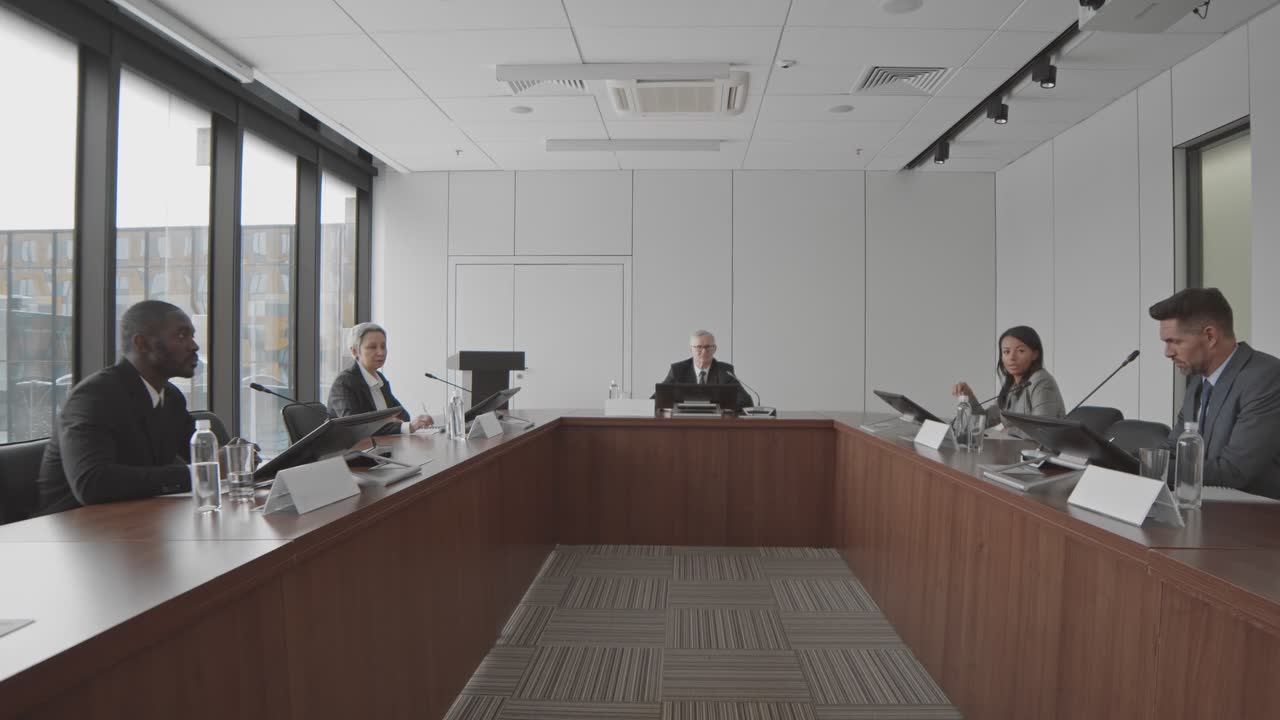
Watched by Video Context

Council meeting, 14 September

2 hours · 6 speakers · captions ready

  • 0:04Meeting opens, apologies notedChapter
  • 0:38Housing budget debate beginsTopic
  • 1:12Vote on the transport planDecision
  • 1:54Questions from the publicChapter

✓ Captions and a searchable transcript, published with the recording.

Speed

Super fast. At any scale.

Other tools watch a video frame by frame. We read every layer at once, so your insights are ready while they are still watching.

Time to process the same video · shorter is faster

  • Video Context✓ fastest
  • Cloud video AI API4× slower
  • Multimodal LLM8× slower
  • Frame-by-frame vision16× slower

Every layer at once

not frame by frame

One API call

for all of the data

Any scale

from one video to a whole archive

Illustrative comparison for the private beta. We will publish the full method and the results.

You’re in safe hands

Deploy anywhere. Keep control.

Our cloud

Call the hosted API. Nothing to run or scale.

Your cloud

We deploy into your AWS, GCP, or Azure account. Your video stays there.

Your servers

Run it on your own GPUs. No data leaves your network.

Built for agents

Ask for the outcome. Agents do the rest.

Video Context gives ChatGPT, Claude, Gemini, or your own agent the tools to watch, search, and edit video. One request becomes a finished job.

Works withChatGPTClaudeGemini
  1. Find every time the housing budget came up in council this year and give me a summary with links.
  2. search_moments("housing budget" · 2026)14 moments in 9 meetings
  3. understand_video(council_2026_09_14.mp4)chapters · speakers
  4. summarise(14 moments)summary ready
  5. Housing came up in 9 meetings. Here is a one-page summary with a link to each moment.

    0:30

    housing_budget_2026.md

    14 Jan11 Mar06 May14 Sep

FAQ

Questions, answered.

Common questions about Video Context for government.

Can Video Context create captions for accessibility?+

Yes. Video Context creates captions and transcripts with speaker names for every recording.

Can we deploy it on our own infrastructure?+

Yes. You can deploy Video Context in your own cloud account or on your own servers.

Can people search across many years of meetings?+

Yes. After Video Context indexes the recordings, people can search all of them by topic, speaker, or words.

Your videos contain
valuable data.
Start using it.

Analyse video at scale. Find exactly what you need. Give your products and AI the context to act on it.